

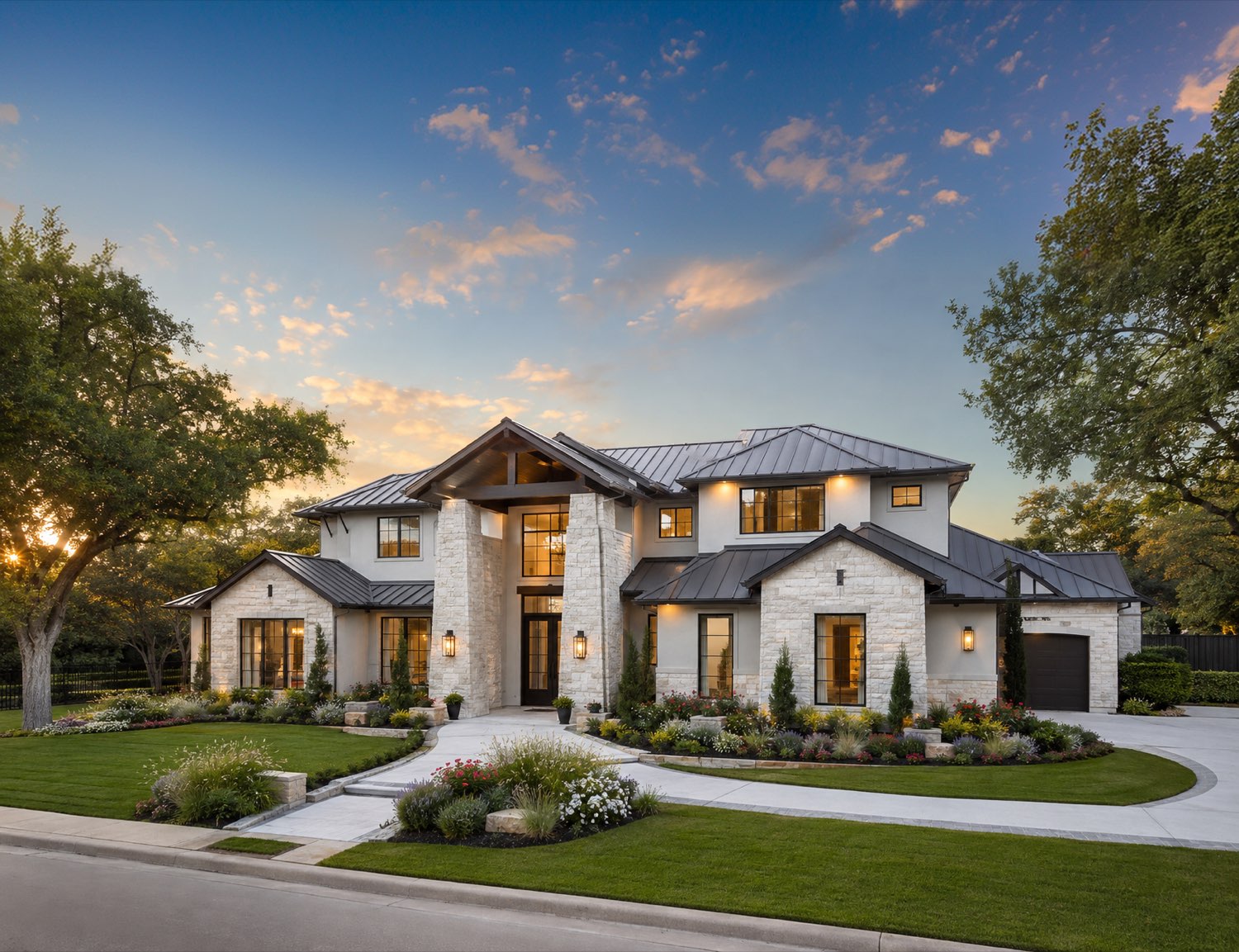
Find, Compare and Buy Smarter with Jay
Search 35,720 homes, compare up to 3 properties side by side, estimate monthly payments instantly, and get personalized recommendations from your AI real estate assistant.
Your Next Home IsCloser Than You Think
 Ask Jay
What is GotNest?
GotNest is an AI-powered real estate platform that helps buyers compare homes, estimate ownership costs, understand neighborhoods, and connect with licensed REALTORS®. Using MLS data, public records, and intelligent property analysis, Jay helps you make informed real estate decisions.
It lists 35,720 homes for sale across 65 Texas markets, sourced from the MLS feed and updated as listings come on and off the market. Every city, neighborhood, and ZIP code with active inventory gets its own page showing the listing count and median price, and every home gets a page with photos, facts, price history, nearby schools, and the listing brokerage attribution.
Browsing is open — listing pages, city hubs, and neighborhood pages are readable without an account. Signing in adds saved favorites, side-by-side comparison, and tour scheduling.
AI-Powered Guidance
Jay is GotNest's AI real estate assistant. Jay helps you understand properties and neighborhoods, estimate affordability, answer real estate questions, and organize your home search — all alongside licensed real estate professionals.
Real-Time MLS Data
GotNest gives you reliable data from licensed and public sources, kept up to date and easy to understand.
Licensed Texas REALTORS®
Qualified, willing humans are always available for the questions that go beyond AI — the most thoughtful and subjective parts of buying a home.
Equal Housing Opportunity
GotNest is committed to fair and equal access to housing for all.

Let Jay Do theHeavy Lifting
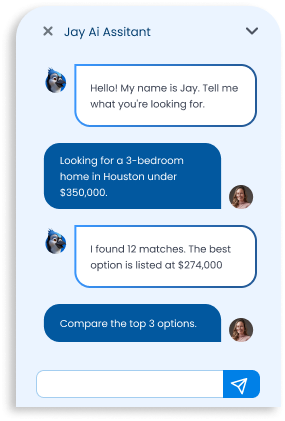
Meet Jay, your personal AI real estate assistant. Tell Jay what you're looking for, ask questions about any property, compare neighborhoods, estimate costs, and get personalized recommendations in seconds.
Ask Anything
Get instant answers about homes, pricing, schools, taxes, and local amenities.
Chat NowNeighborhood Insights
Explore commute times, market trends, location and properties before visiting.
Chat NowPersonalized Matches
Jay learns your preferences and shows properties you will likely love.
Chat Now
Compare Up to 3 Homes Side by Side
Stop switching between tabs. Compare prices, features, monthly payments, property details, and neighborhood data in a single view.
- View key differences instantly
- See the estimated monthly payment on each
- Save your comparisons
- Compare up to 3 properties at once
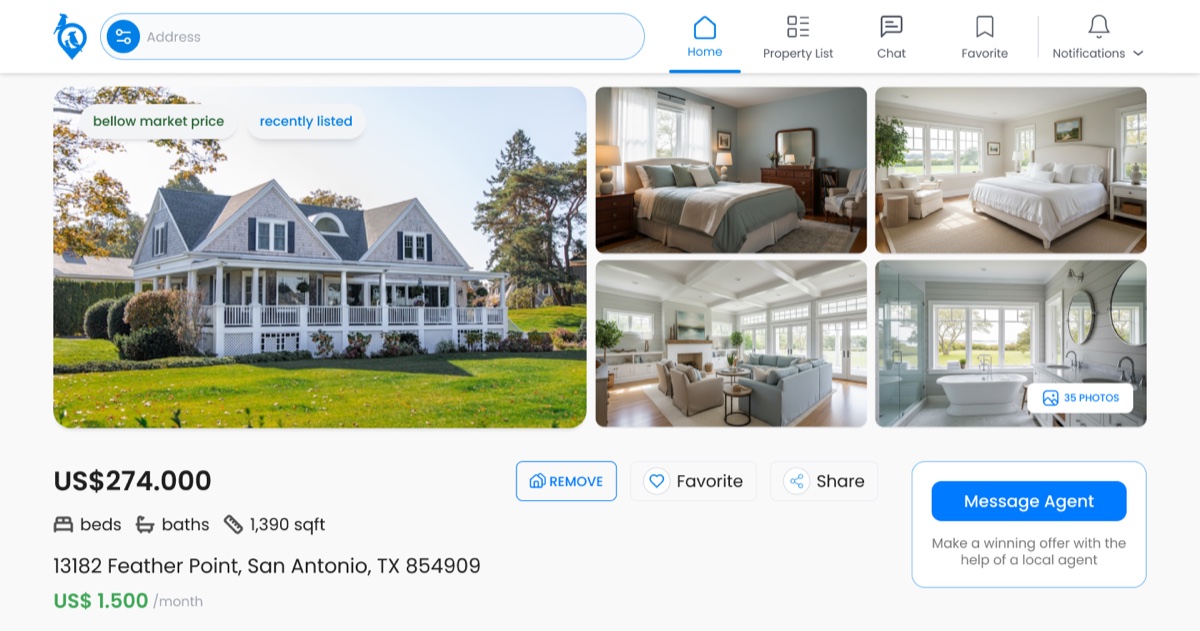
Understand the true cost of every property with our built-in affordability calculator.
MonthlyPayment
- Estimated mortgage payment
- Down payment scenarios
- Insurance estimates
- Property taxes included
- HOA fees included
See monthly payments directly on every listing.
How searching on GotNest works
1. Start with a place
Pick a city, then narrow to a neighborhood or ZIP code. Each hub page states how many homes are for sale there and what the median list price is, so you can tell which markets fit your budget before opening a single listing.
2. Compare the real numbers
Listing pages carry the figures that decide affordability: price per square foot, estimated monthly payment, yearly property tax, HOA dues, year built, and the full price history, including whether a home has been relisted or reduced.
3. Save and tour
Create an account to save favorites, compare homes side by side on the map, and schedule a tour. Sold and off-market homes stay online with their history intact, so you can see what a street actually traded for.
Explore homes by city
Homes for sale in Houston, TX
10,330 active listings
Homes for sale in Katy, TX
2,182 active listings
Homes for sale in Conroe, TX
1,702 active listings
Homes for sale in Spring, TX
1,414 active listings
Homes for sale in Montgomery, TX
1,297 active listings
Homes for sale in Richmond, TX
1,294 active listings
Homes for sale in Cypress, TX
1,241 active listings
Homes for sale in Galveston, TX
1,122 active listings
Homes for sale in Magnolia, TX
904 active listings
Homes for sale in Tomball, TX
658 active listings
Homes for sale in Humble, TX
636 active listings
Homes for sale in Missouri City, TX
603 active listings
All 65 Texas markets
- Homes for sale in Fulshear, TX · 603
- Homes for sale in Sugar Land, TX · 585
- Homes for sale in Willis, TX · 576
- Homes for sale in Baytown, TX · 551
- Homes for sale in Hockley, TX · 549
- Homes for sale in Cleveland, TX · 476
- Homes for sale in Crosby, TX · 444
- Homes for sale in League City, TX · 444
- Homes for sale in Pearland, TX · 403
- Homes for sale in New Caney, TX · 359
- Homes for sale in The Woodlands, TX · 348
- Homes for sale in Porter, TX · 334
- Homes for sale in Dayton, TX · 326
- Homes for sale in Waller, TX · 317
- Homes for sale in Rosenberg, TX · 316
- Homes for sale in Manvel, TX · 316
- Homes for sale in Texas City, TX · 313
- Homes for sale in Rosharon, TX · 307
- Homes for sale in Huntsville, TX · 285
- Homes for sale in Angleton, TX · 282
- Homes for sale in Crystal Beach, TX · 280
- Homes for sale in Brookshire, TX · 252
- Homes for sale in Pasadena, TX · 240
- Homes for sale in Alvin, TX · 206
- Homes for sale in Splendora, TX · 204
- Homes for sale in Dickinson, TX · 188
- Homes for sale in Friendswood, TX · 187
- Homes for sale in Huffman, TX · 155
- Homes for sale in Mont Belvieu, TX · 153
- Homes for sale in Trinity, TX · 150
- Homes for sale in La Marque, TX · 147
- Homes for sale in Freeport, TX · 147
- Homes for sale in Surfside Beach, TX · 146
- Homes for sale in Sealy, TX · 127
- Homes for sale in Lake Jackson, TX · 126
- Homes for sale in La Porte, TX · 125
- Homes for sale in Seabrook, TX · 125
- Homes for sale in Brenham, TX · 119
- Homes for sale in Needville, TX · 119
- Homes for sale in Bay City, TX · 118
- Homes for sale in Iowa Colony, TX · 113
- Homes for sale in Santa Fe, TX · 104
- Homes for sale in Brazoria, TX · 84
- Homes for sale in Sargent, TX · 79
- Homes for sale in Hitchcock, TX · 72
- Homes for sale in Tiki Island, TX · 66
- Homes for sale in Palacios, TX · 66
- Homes for sale in Gilchrist, TX · 65
- Homes for sale in Bellville, TX · 63
- Homes for sale in Port Bolivar, TX · 62
- Homes for sale in Jamaica Beach, TX · 52
- Homes for sale in Navasota, TX · 45
- Homes for sale in Galena Park, TX · 18
Latest listings
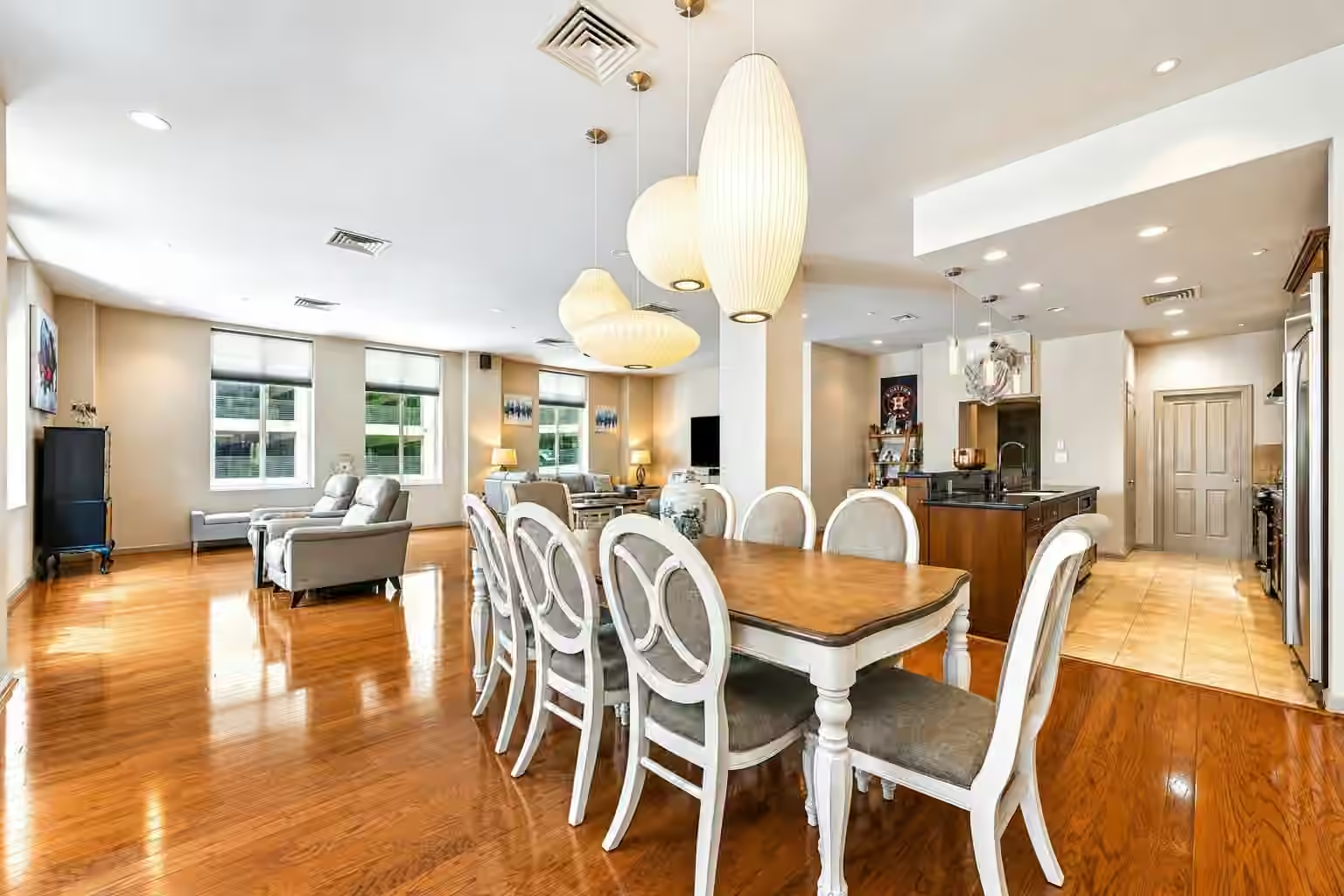
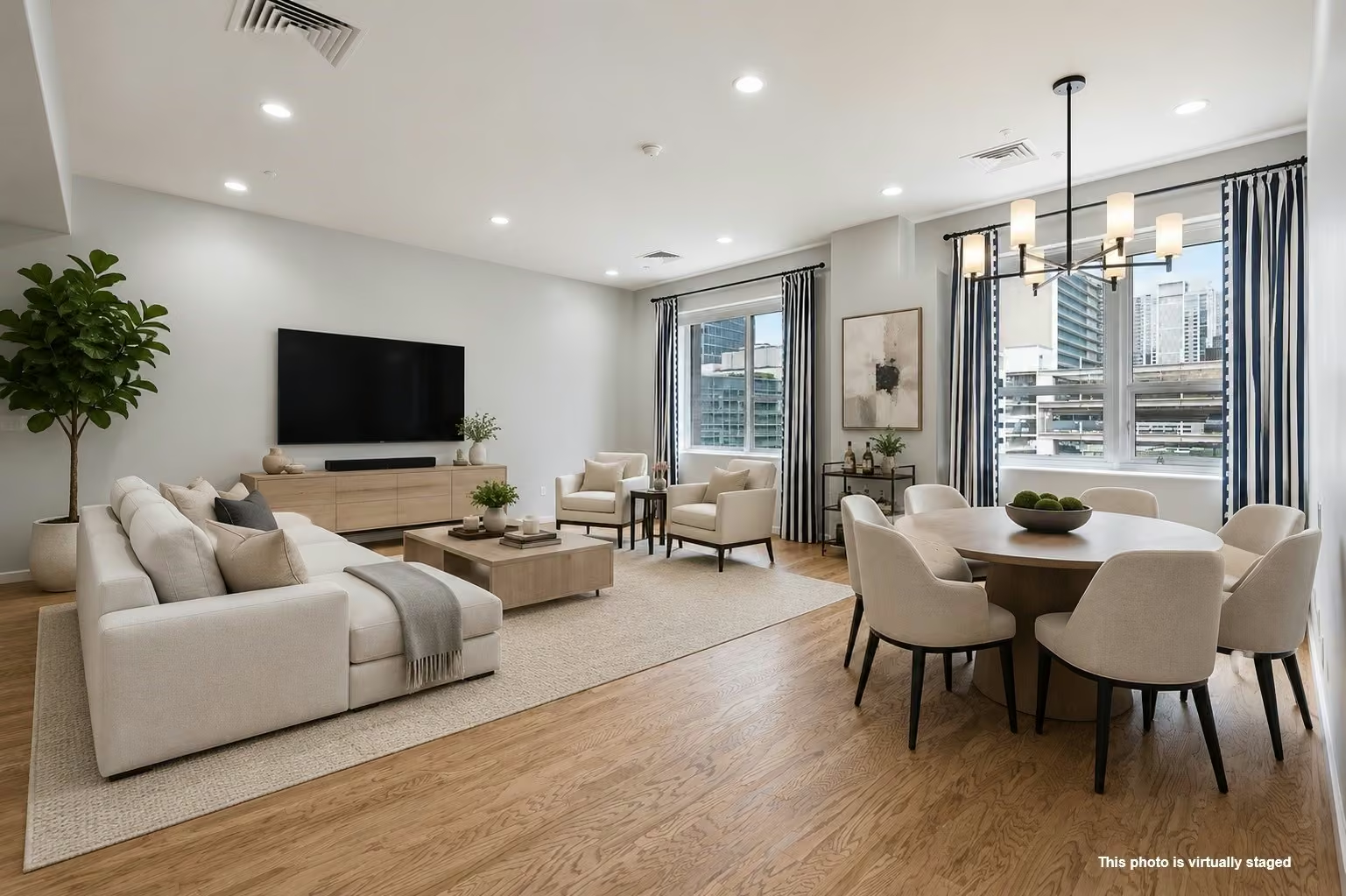
$425,000
2 beds | 2 baths | 2,563 sqft
914 Main Street 801, Houston, TX
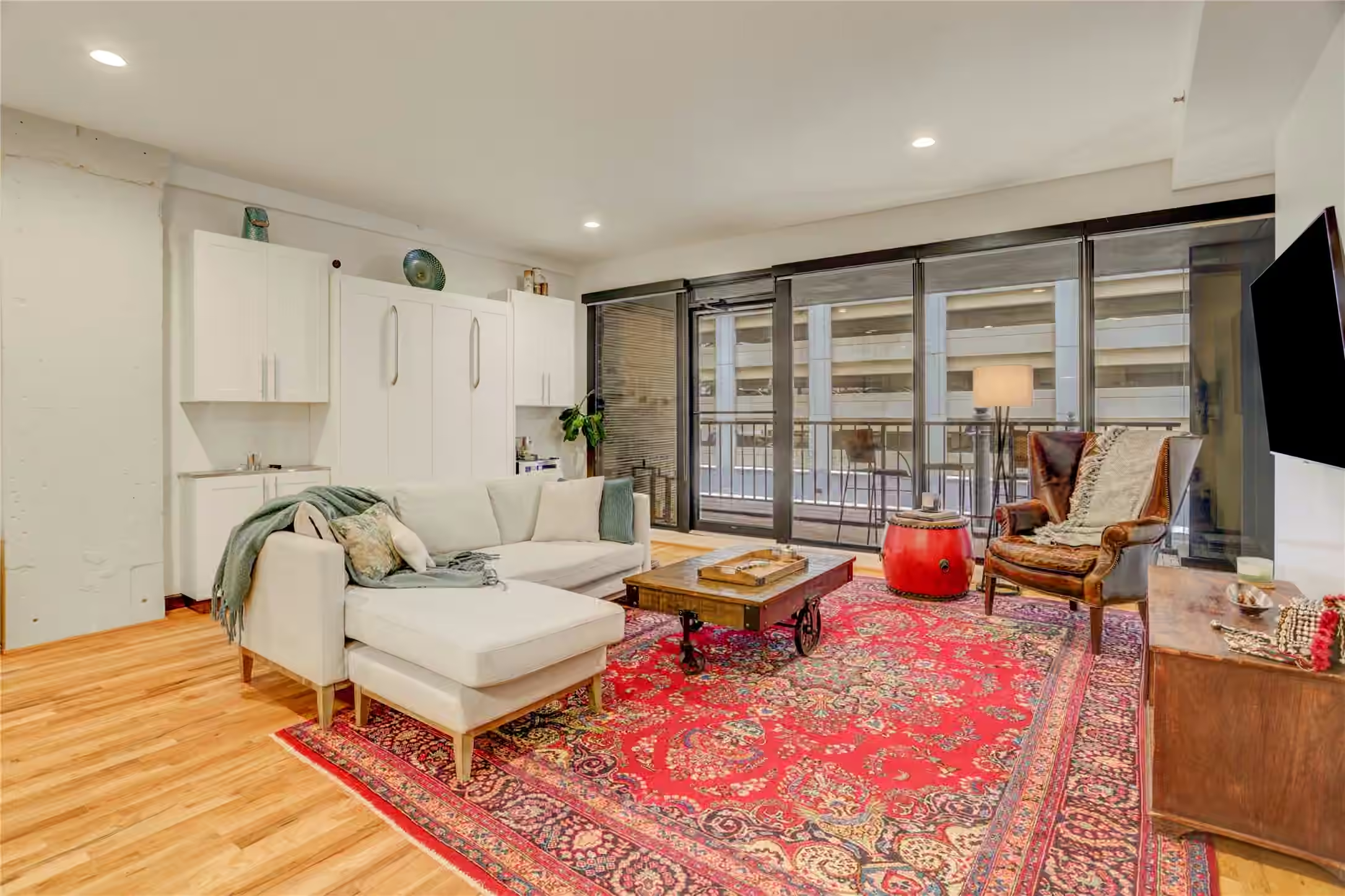
$325,000
2 beds | 2 baths | 1,754 sqft
914 Main Street 910, Houston, TX
$235,000
1 beds | 1 baths | 1,119 sqft
917 Main Street 305, Houston, TX
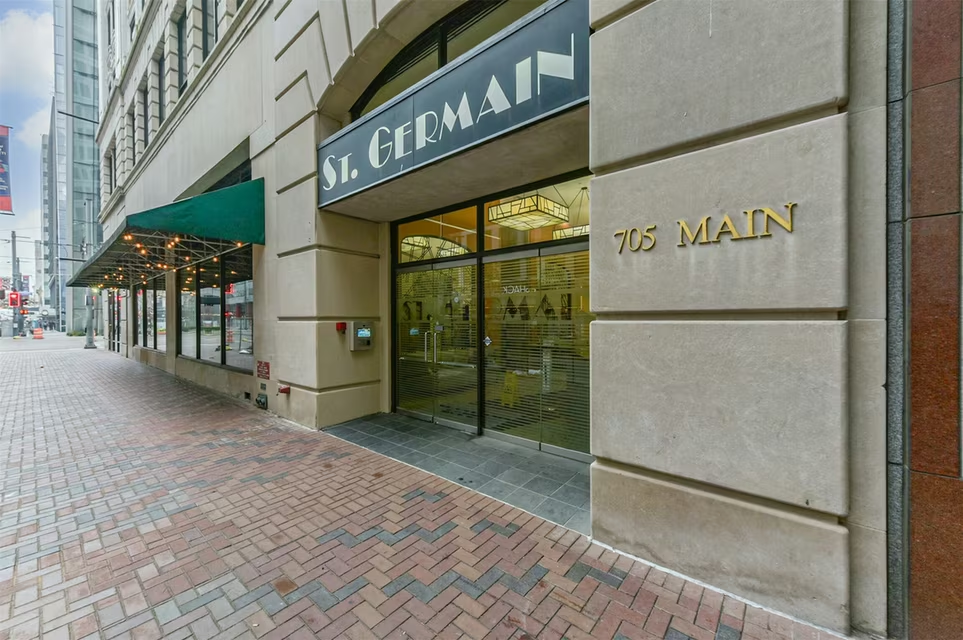
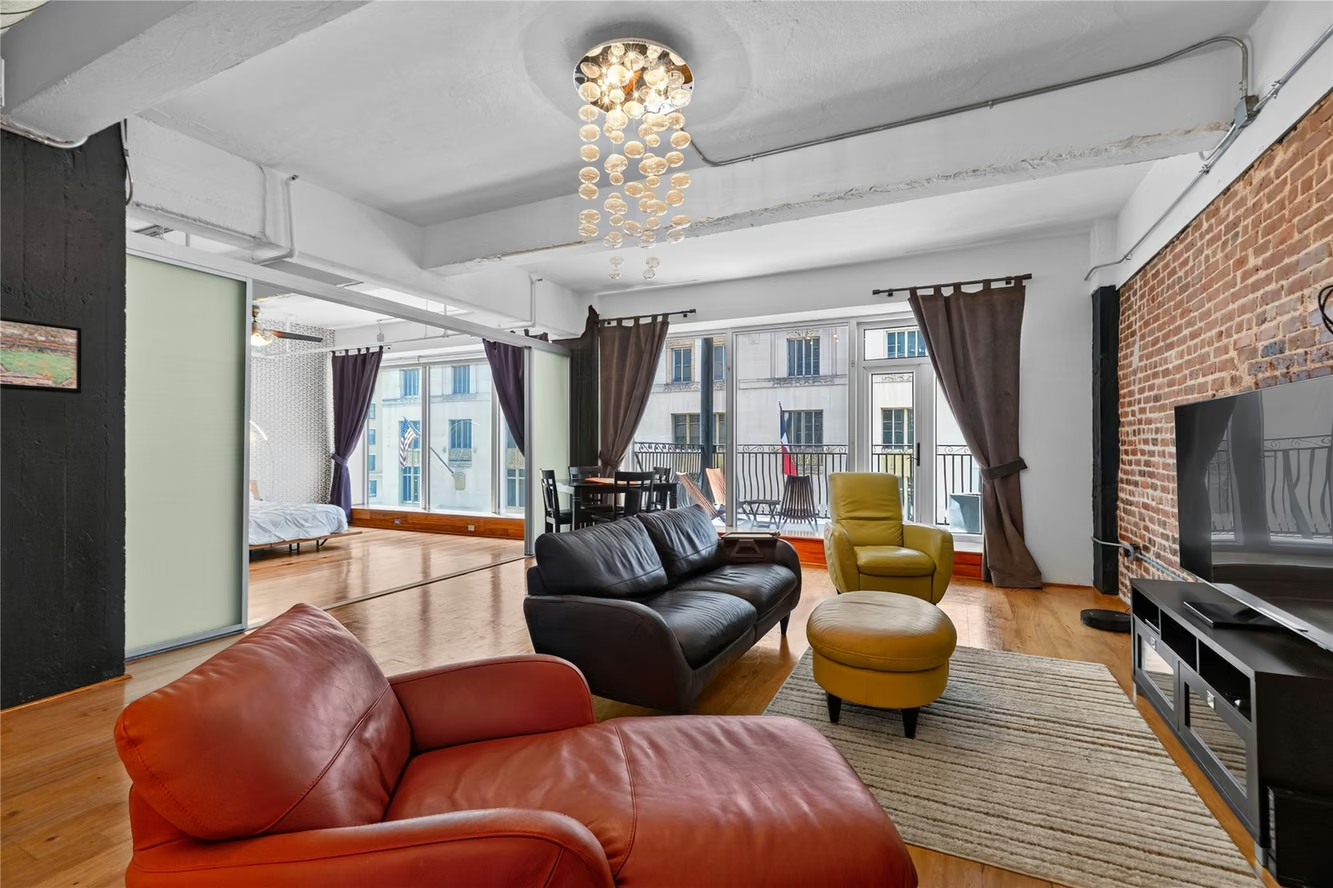
$195,000
1 beds | 1 baths | 797 sqft
705 Main Street 321, Houston, TX
$295,000
1 beds | 1.5 baths | 1,179 sqft
711 Main Street 501, Houston, TX
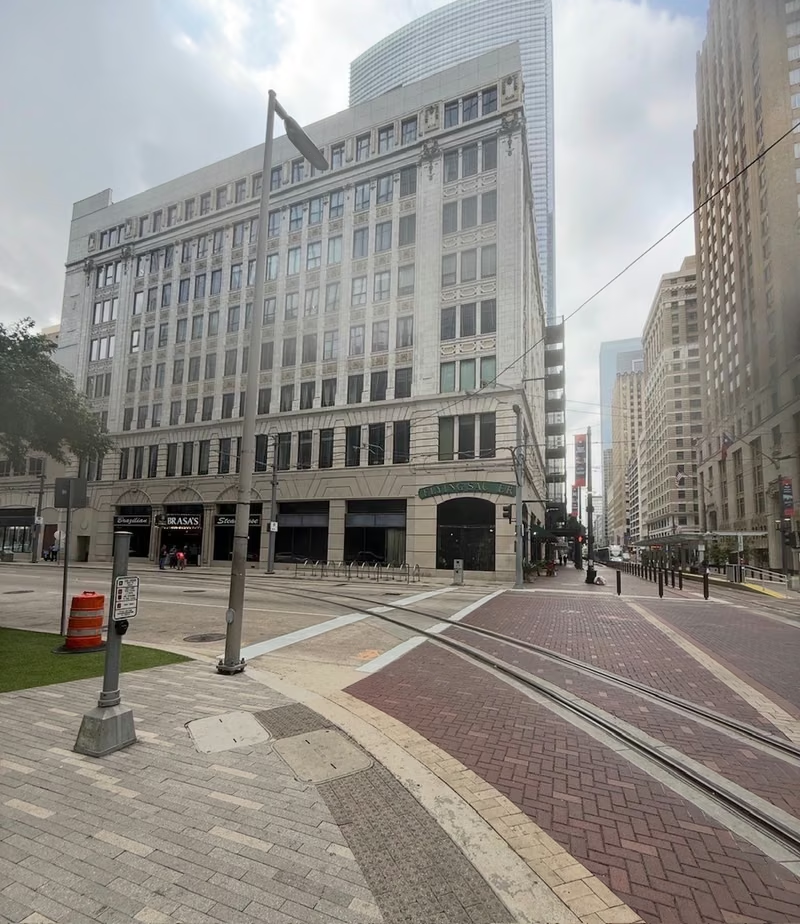
$325,000
1 beds | 1 baths | 1,378 sqft
711 Main Street 502, Houston, TX

$285,000
2 beds | 1 baths | 1,384 sqft
705 Main Street 419, Houston, TX
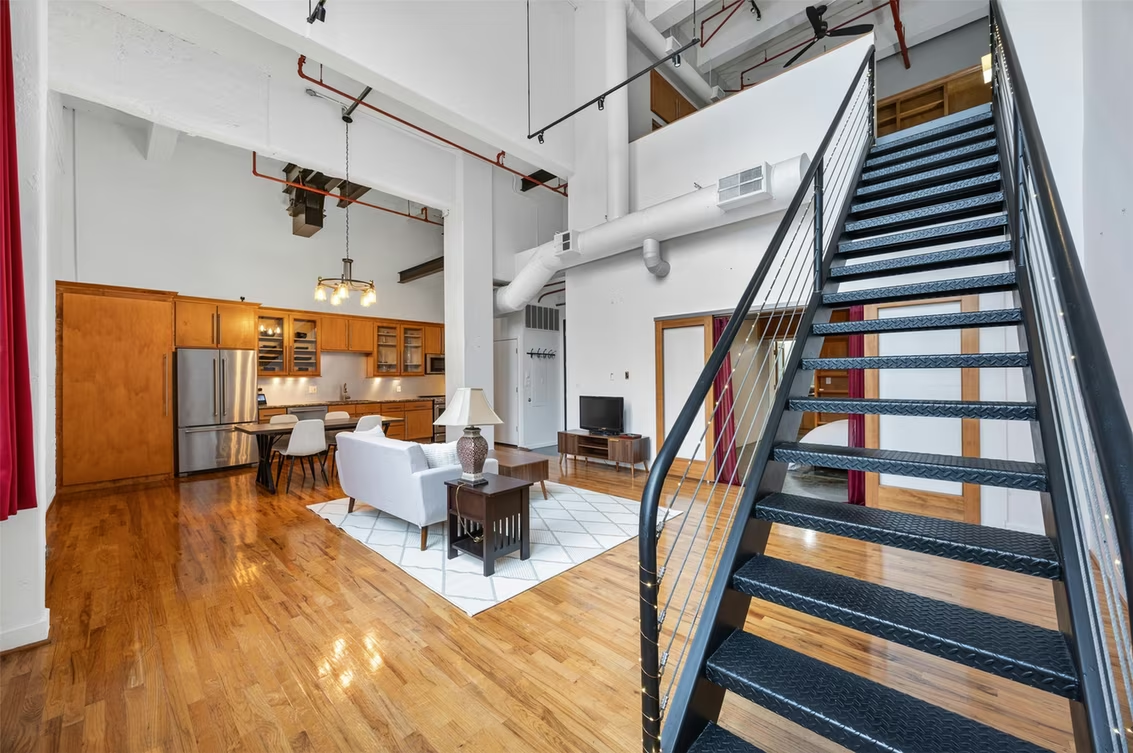
$364,000
2 beds | 2 baths | 1,411 sqft
705 Main Street 513, Houston, TX
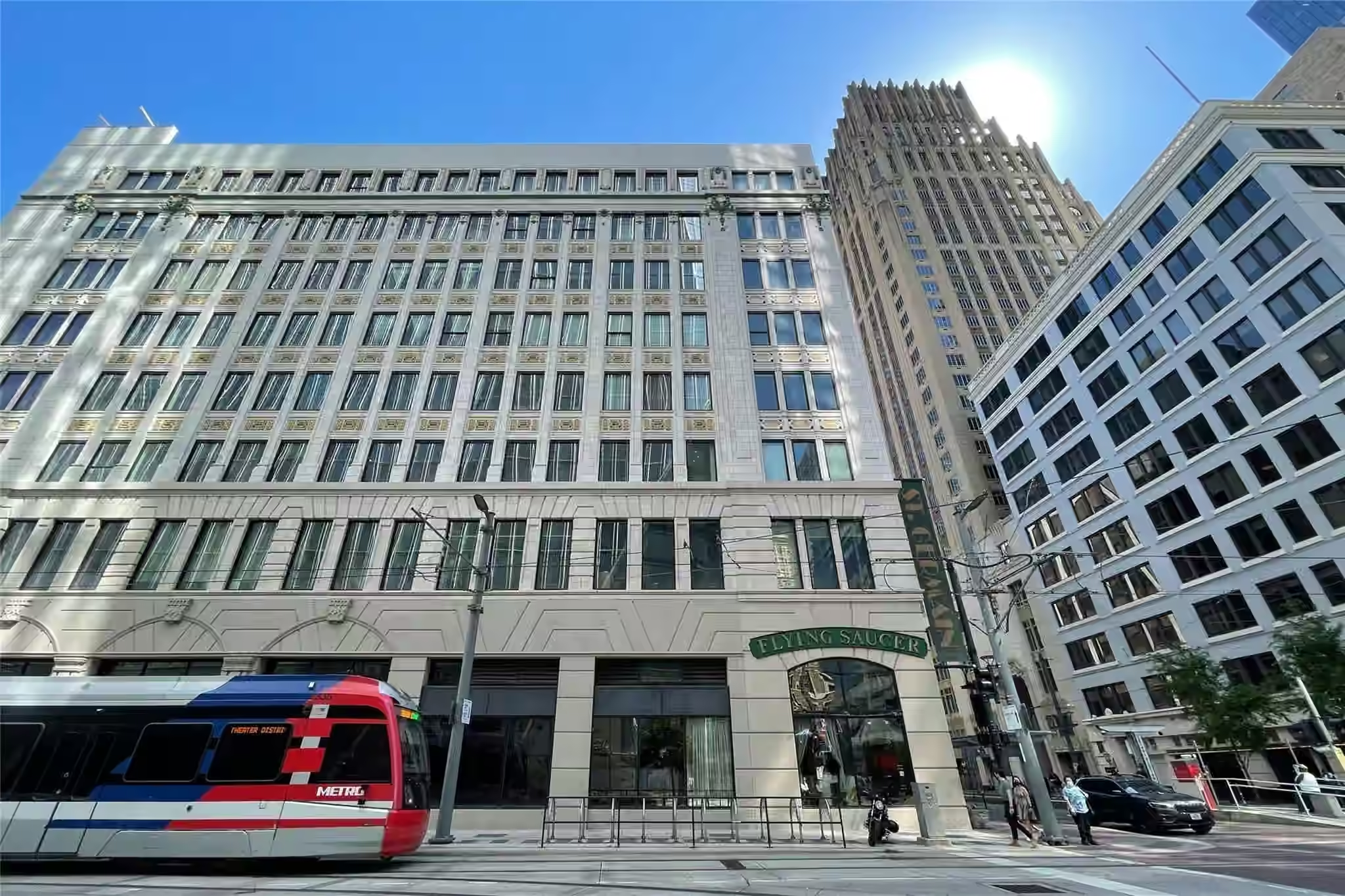
$160,000
1 beds | 1 baths | 557 sqft
705 Main Street 511, Houston, TX
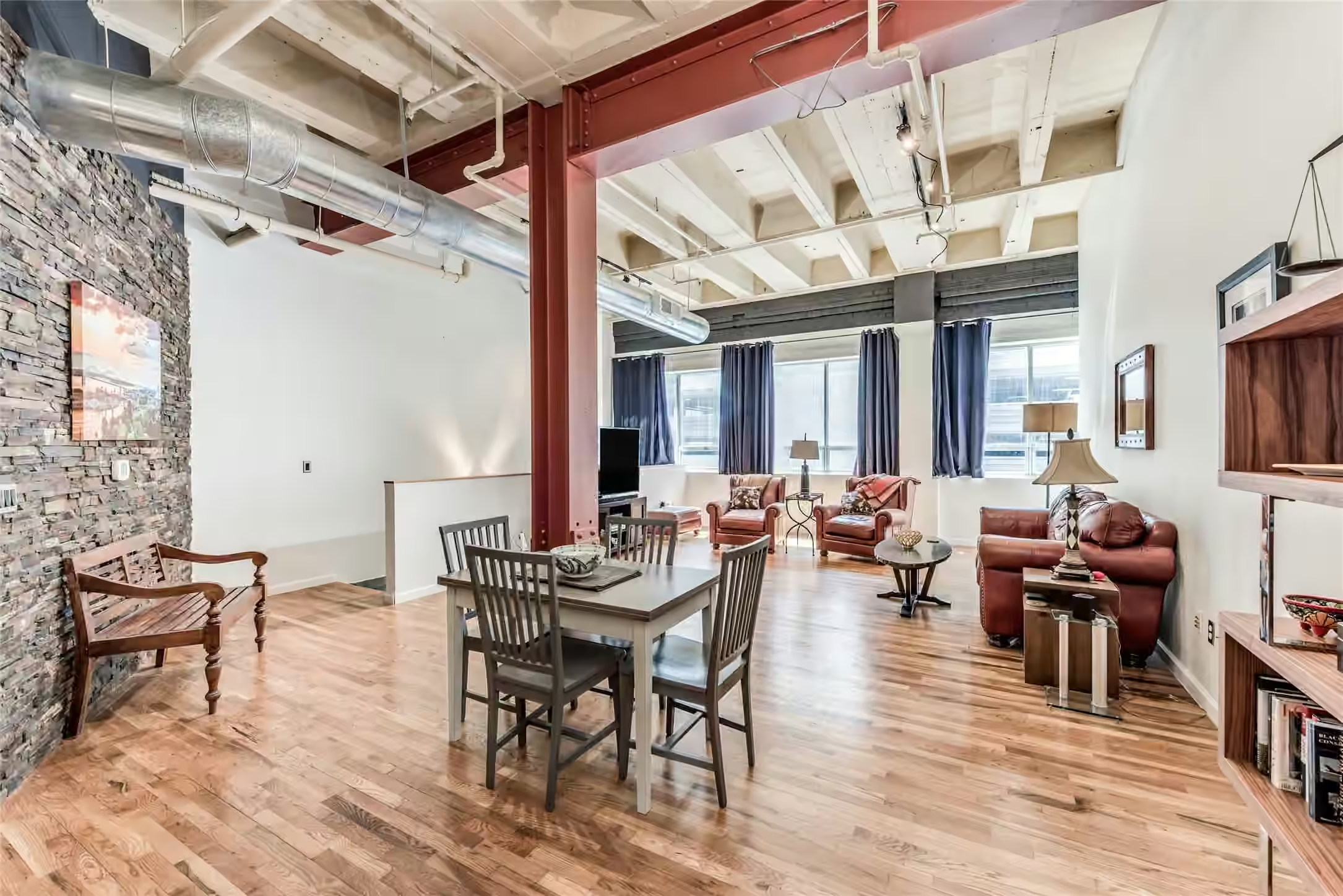
$399,000
2 beds | 2.5 baths | 2,300 sqft
705 Main Street 215, Houston, TX
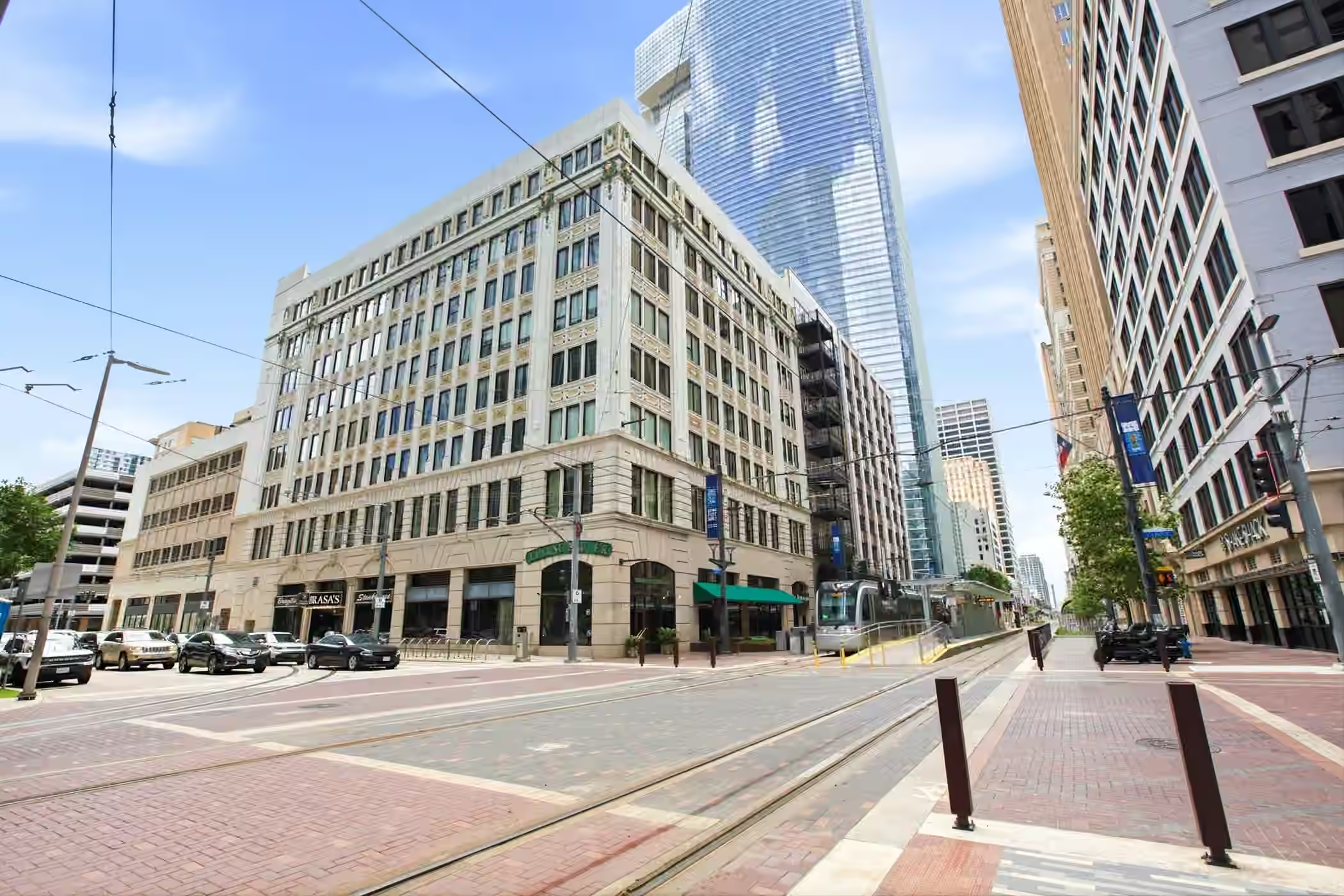
$350,000
2 beds | 2 baths | 1,764 sqft
705 Main Street 209, Houston, TX
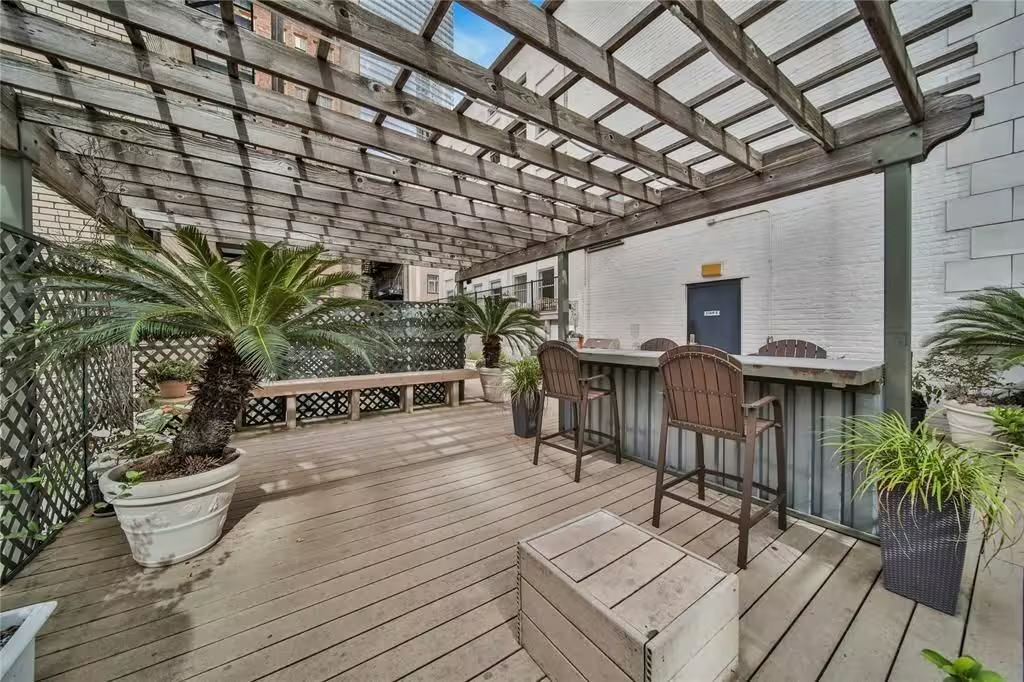
$130,000
1 beds | 1 baths | 519 sqft
705 Main Street 610, Houston, TX

$360,000
2 beds | 2 baths | 1,764 sqft
708 Ruthven Street, Houston, TX
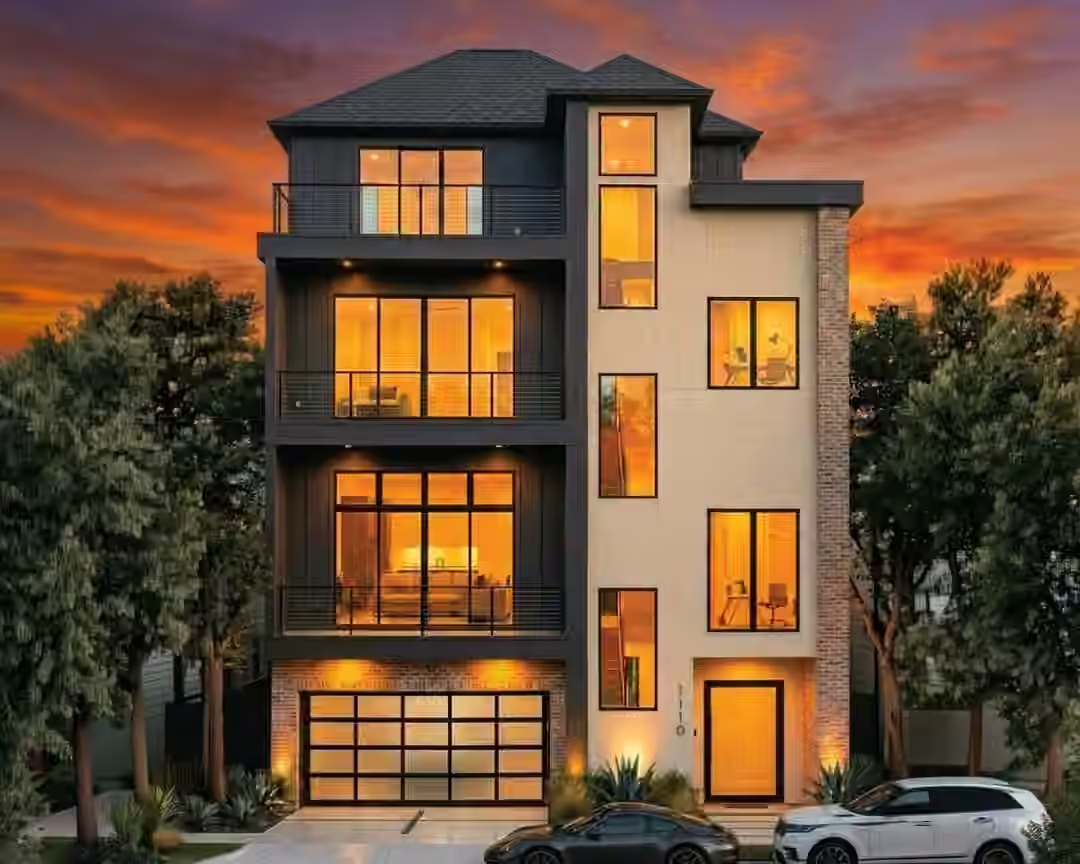
$899,000
4 beds | 7.5 baths | 3,358 sqft
1110 Arthur Street B, Houston, TX
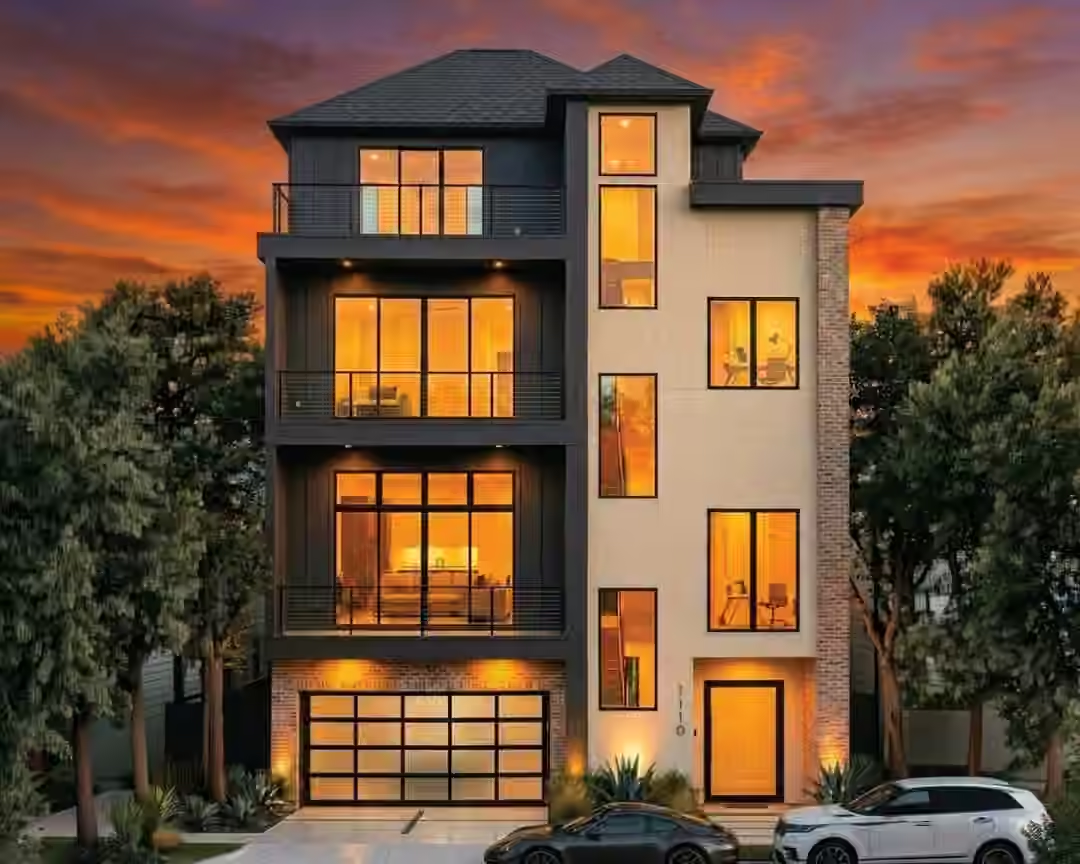
$899,000
4 beds | 7.5 baths | 3,358 sqft
1110 Arthur Street A, Houston, TX
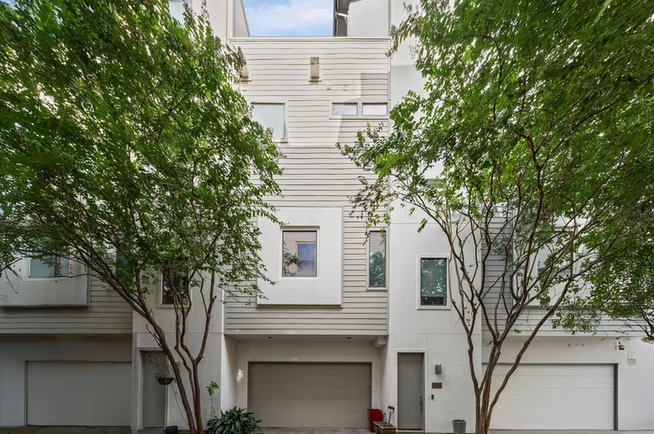
$450,000
3 beds | 2.5 baths | 2,505 sqft
730 Ruthven, Houston, TX
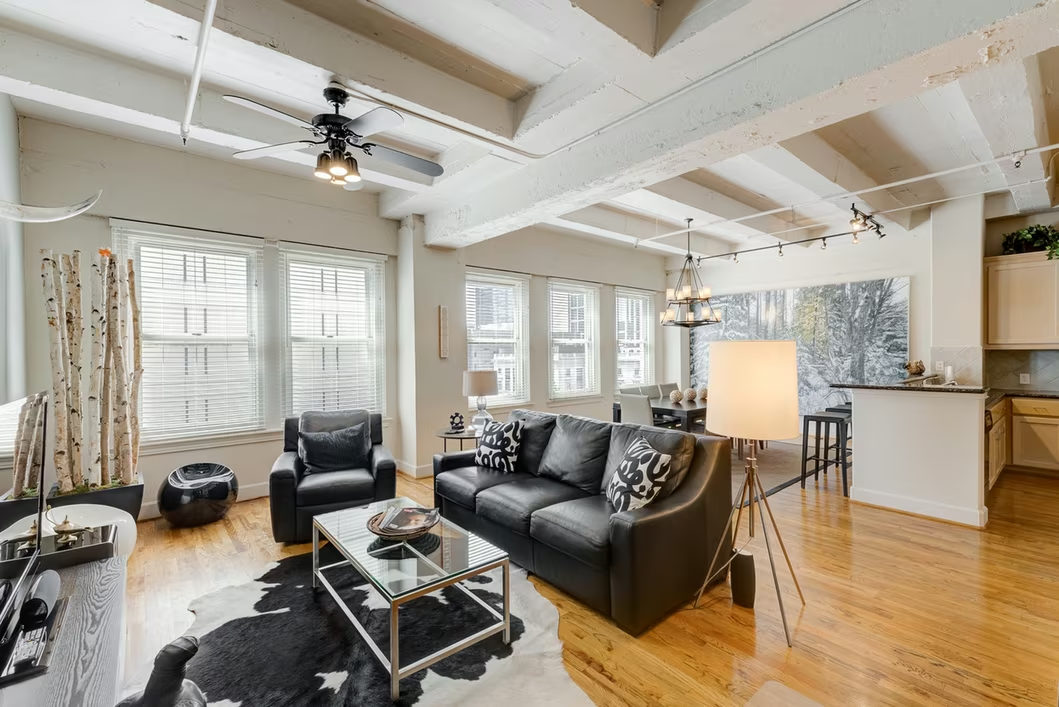
$300,000
1 beds | 1 baths | 1,329 sqft
1120 Texas Street 5D, Houston, TX
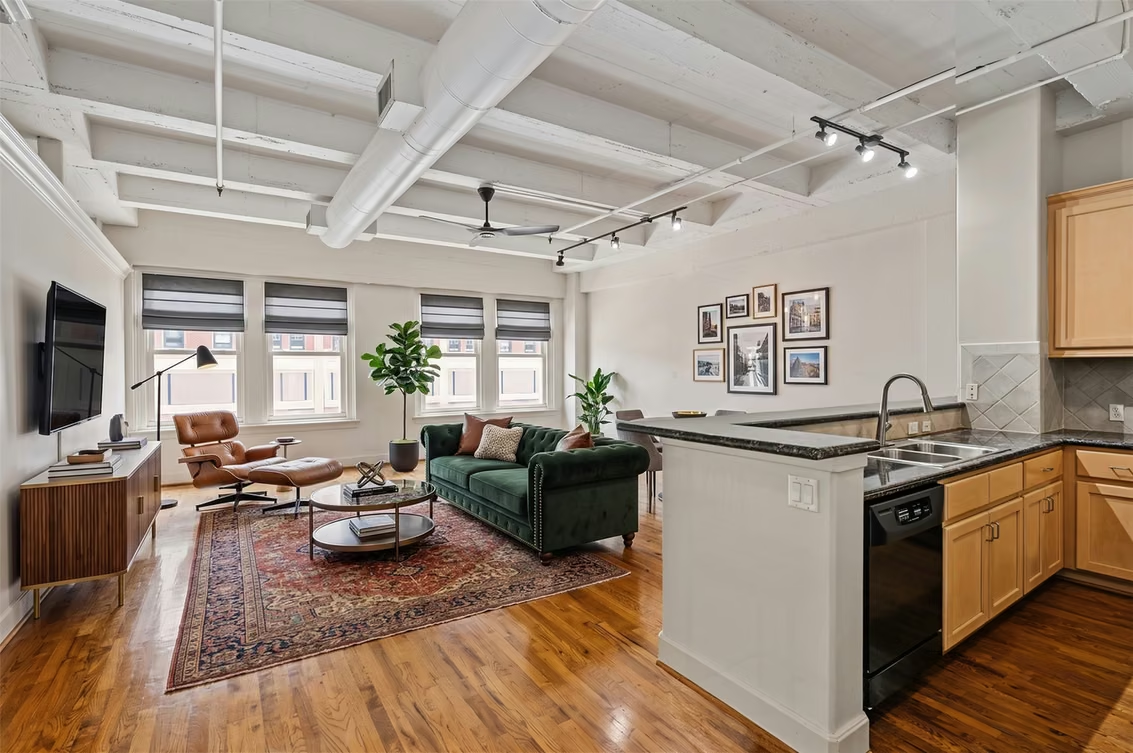
$330,000
2 beds | 1 baths | 1,405 sqft
1120 Texas Street 6B, Houston, TX
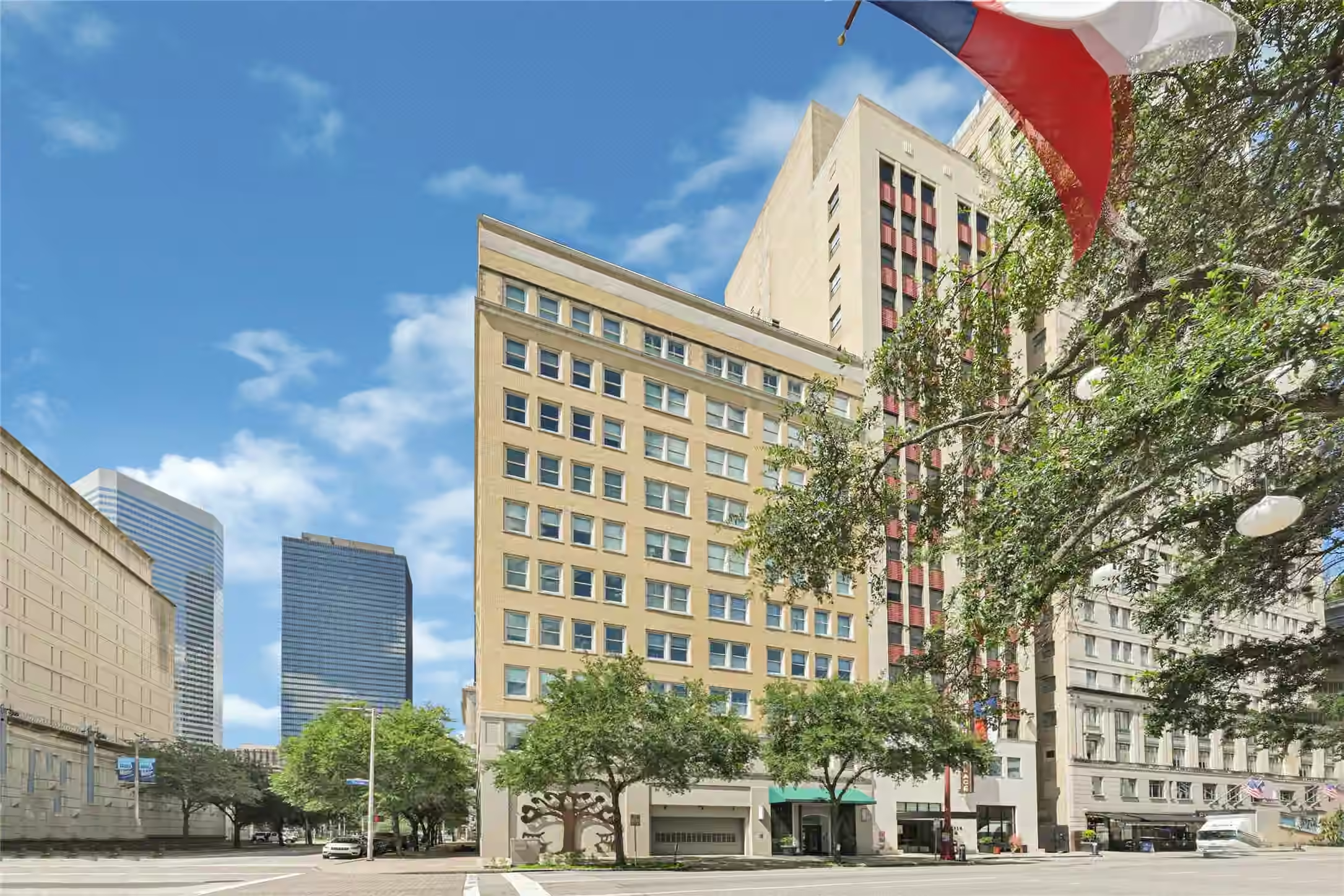
$249,000
1 beds | 1 baths | 1,329 sqft
1120 Texas Street 7D, Houston, TX
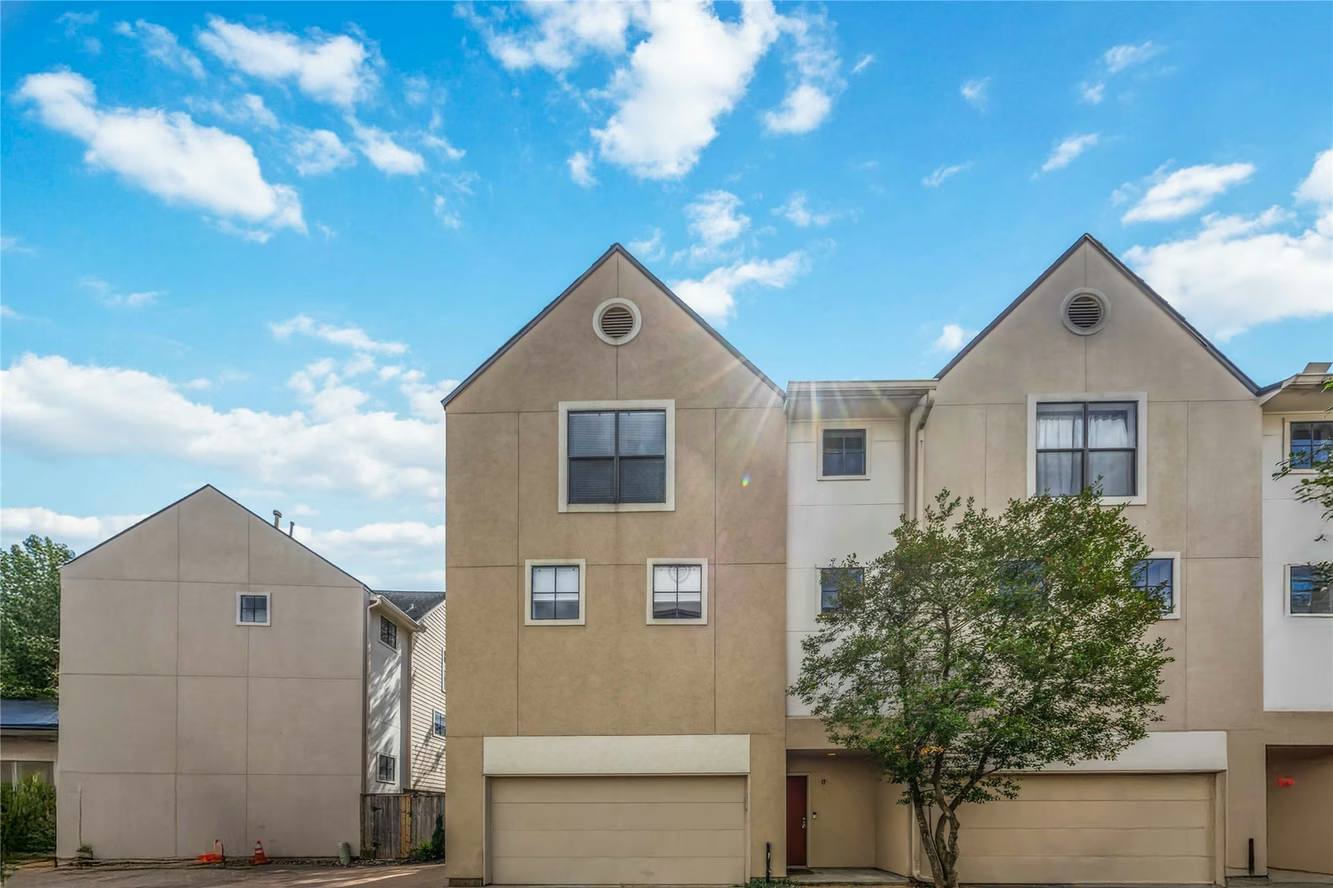
$350,000
2 beds | 2 baths | 1,984 sqft
939 Colorado Street 17, Houston, TX
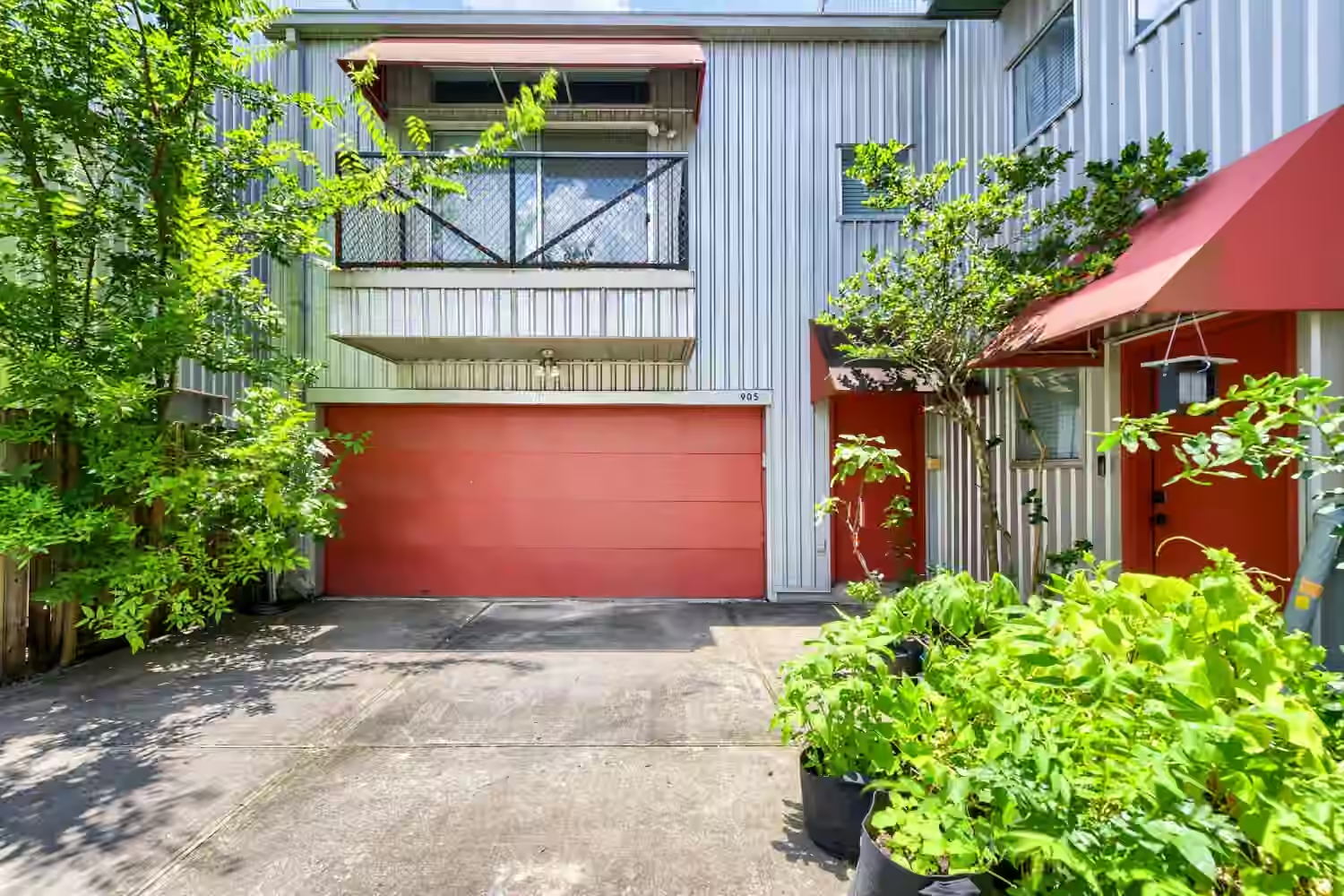
$349,000
2 beds | 2 baths | 1,844 sqft
905 Andrews Street, Houston, TX
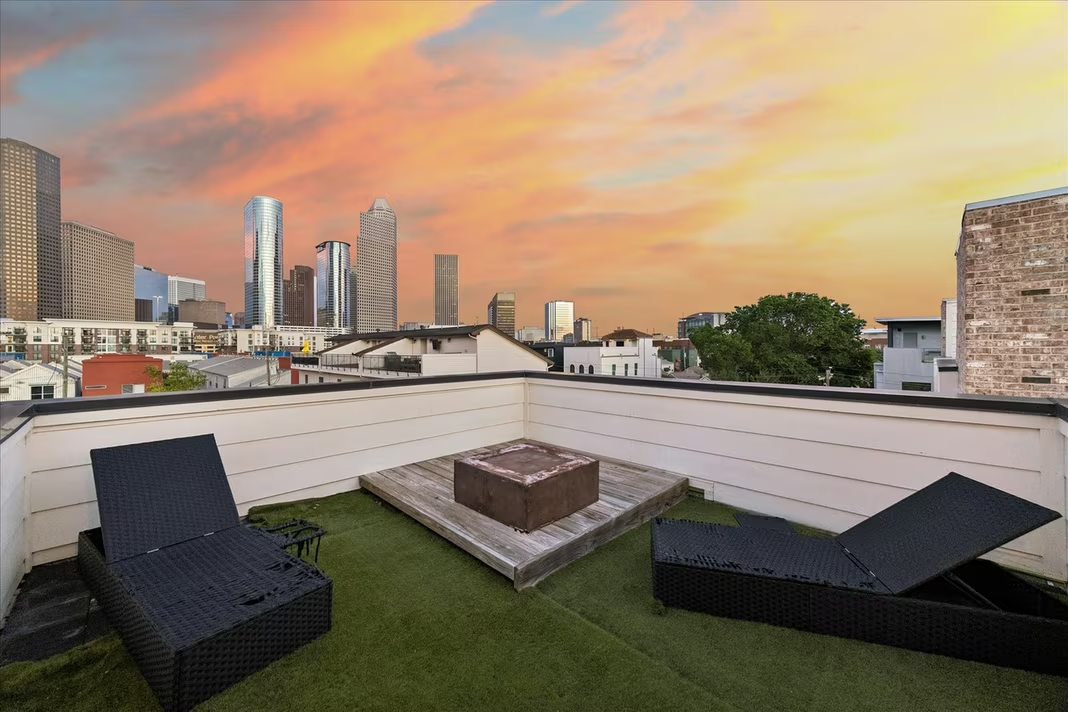
$549,000
3 beds | 3.5 baths | 2,555 sqft
1012 Robin Street, Houston, TX
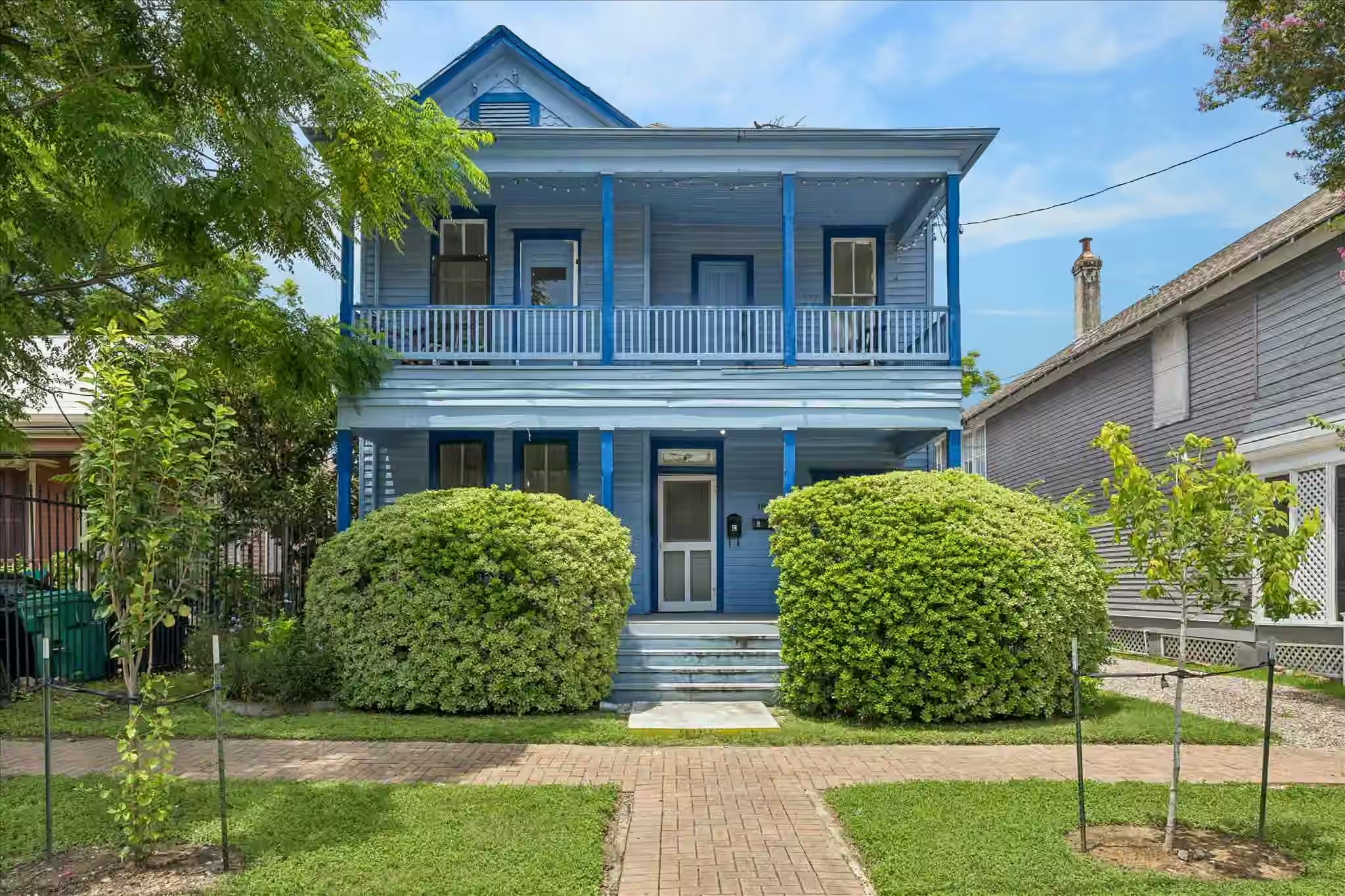
$675,000
4 beds | 2 baths | 2,580 sqft
1814 Kane Street, Houston, TX
Common questions about GotNest
How many homes are for sale on GotNest?
GotNest lists 35,720 homes for sale across 65 Texas markets, updated from the MLS feed.
Which Texas cities does GotNest cover?
GotNest covers 65 markets across Greater Houston. The largest by active inventory are Houston (10,330 homes), Katy (2,182 homes), Conroe (1,702 homes), Spring (1,414 homes), Montgomery (1,297 homes).
Do I need an account to search for homes?
No. Every listing page, city hub, and neighborhood page on GotNest is public and readable without signing in. An account adds saved favorites and tour scheduling.
What information does a GotNest listing page show?
Each listing page shows the price, beds, baths, square footage, year built, full address, current status, price history, nearby schools, and the listing brokerage attribution.
How do I search by neighborhood or ZIP code?
Each city hub links every neighborhood and ZIP code with active inventory in that market, so you can narrow from a city down to a single ZIP without an account.